
Satin LMS is becoming a popular platform for online training and digital education. Whether you are a business trainer, educator, or learner, Satin LMS helps manage courses, track progress, and improve learning outcomes. In this complete guide, we explain Satin LMS features, login steps, benefits, common issues, and whether it is the right platform for you. Updated for 2026.

Online learning management platforms are an important part of digital learning. Whether you are an educator or a professional trainer, these systems have helped in managing the workflow. Satin LMS is one such emerging platform in the digital learning world. It has changed the way we used to manage online learning.
If you are planning to use it, you must understand how it works. Although we will cover it further, let us first understand what Satin LMS is all about.
What is Satin LMS?
Satin LMS is a learning management system that helps you create, manage, and track online learning courses in one place. You can assign courses, monitor progress, and analyse the performance of your students and trainees. However, the people whom you have assigned the tasks can access content and track their own learning. Satin LMS reduces manual training work by automating enrollments, progress tracking, and reporting in one dashboard.
Key Features of Satin LMS
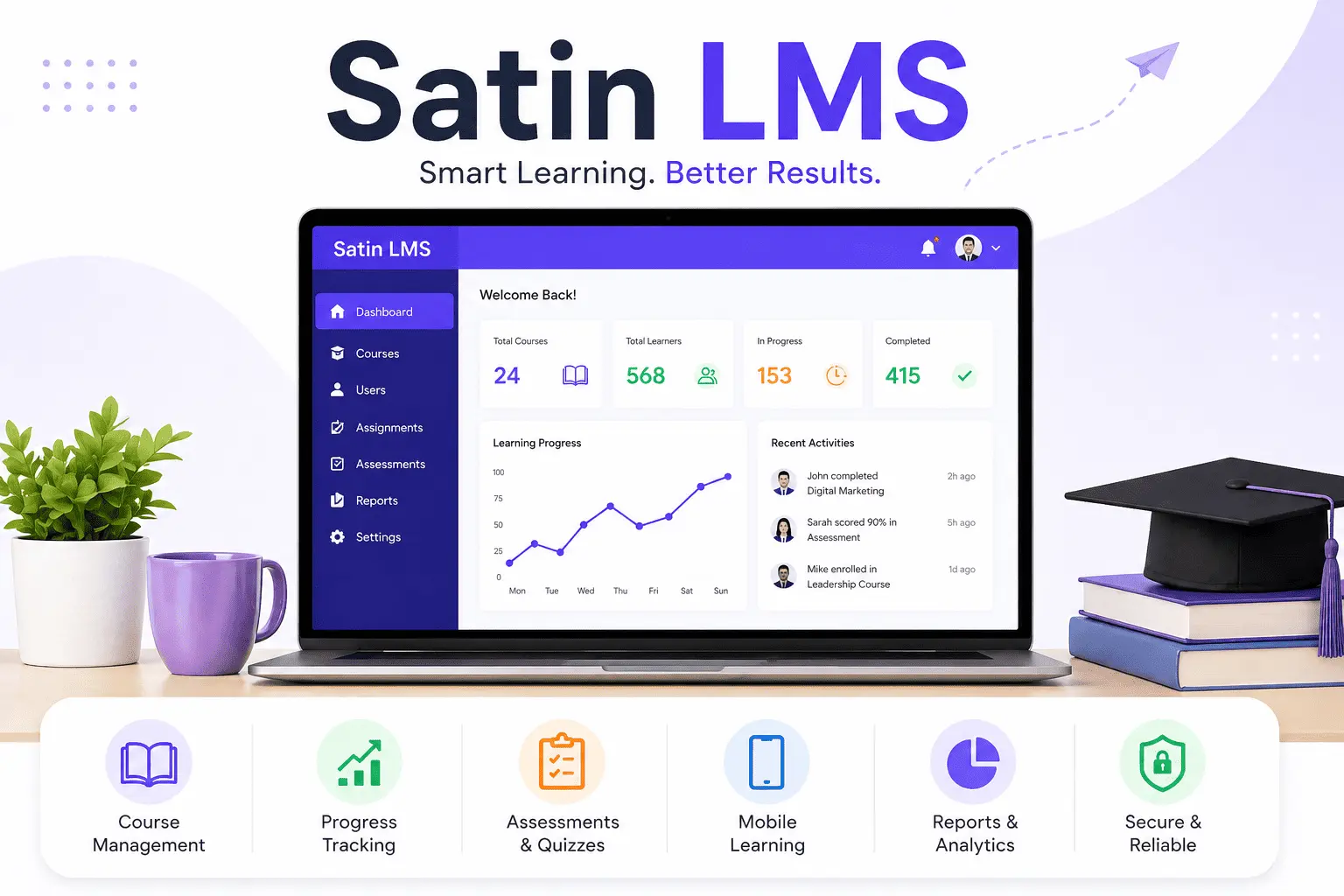
One thing that we need to remember is its features. Below we have listed some of the features that you will get to see while using it:
- Course creation: You can create your own course content on it.
- Course management: It will help you to manage your content. You can add or remove the content that you want to.
- User-friendly interface: The interface for using it is too easy. It took us a few seconds to understand how to use it.
- Progress tracking: As an educator or a trainer, you can track how much your students or trainees have completed the course
- Mobile interface: You do not need a laptop or a computer to use it. It can be easily used on your mobile or tablet.
- Integration with third-party tools: If you need to integrate any third-party tools during your online classes, you can do that.
- Assessment: You can also use it to create and manage new tests and assessments.
- Reporting system: You also get insights into learner behaviour. It helps in improving course effectiveness.
In addition to that, Satin LMS supports automation features such as scheduled content and performance tracking. It will save you time to maintain consistency in training.
How to Log in to the Satin LMS Account?
Here are the steps for you to log in to the Satin LSM account:
- Just visit the official Satin LMS Login Page.
- Enter your username and password.
- Once done, click on the login option to complete the sign-in process.
- And you are done. You will get access to all your learning courses and data in one place.
How to Reset Satin LMS Password
It is very common to forget your login details. If you are facing a similar problem, here are the steps to follow:
- Click the ‘Forgot Password’ icon or Click on Satin LMS password reset.
- You will see the box that asks for your email address. Enter the email address that you have connected to your account.
- Once you click “Submit, an automated email will be sent to your address with the reset link.
- Open the mail, click on the link, and reset the password.
- Once you reset it, go back to the login page and log in with the new password.
Common Satin LMS Login Problems
If you are trying to log in to your Satin LMS account but are not able to do so, here are a few possible reasons:
- Invalid Password or Username
One of the most common reasons for not getting logged in is entering the wrong login details. Make sure that you’re using the correct username and password. Sometimes we create passwords that are case sensitive. Do not forget to check that too. If you have recently changed the password, check whether you are using the updated one or not.
- Poor Server
Another common reason for not getting logged in to Satin LMS is a poor internet connection. Ensure that you have a stable connection so that you can use it without any trouble.
- Browser issues
Sometimes, stored cache or cookies on your device can interfere with login. This may result in a problem while logging. Thus, you must clear your browser data before entering your sign-in details. You can also try to log in using a different browser to double-check whether the reason is a browser issue.
- Account Privacy
Security is the biggest factor of any online platform. If you have already tried to log in multiple times, Satin LMS will automatically lock your account. This is to ensure that no other person tries to log in to your account. It will usually take 15-30 min to unlock your account. Please note that if it still doesn’t unlock, you will need to get in touch with customer care.
Benefits of Using Satin LMS
Satin LMS offers several advantages for businesses, trainers, and educators who want to manage learning more efficiently. Its tools are designed to save time, improve training quality, and simplify administration.
Saves Training Time
Manual training tasks can take hours. Satin LMS helps automate enrollments, assignments, and reminders. Satin LMS automates enrollments, assignments, reminders, and progress tracking, which saves valuable time.
Easy Course Management
You can create, organize, update, and manage courses from one central dashboard. This makes content management much easier.
Better Learner Tracking
Admins and instructors can monitor learner progress, completion rates, scores, and engagement in real time.
Mobile Learning Support
Users can access courses on smartphones and tablets, making learning flexible and available anywhere.
Centralized Reporting
All training data, learner performance, and course reports are stored in one place for easier decision-making.
Satin LMS for Businesses vs Educators
Satin LMS is flexible enough to serve both corporate training needs and academic learning environments. However, the way businesses and educators use the platform can be very different. Understanding these differences helps you decide whether Satin LMS is the right solution for your goals.
Satin LMS for Businesses
Businesses often use Satin LMS to train employees, improve productivity, and maintain compliance standards. Instead of managing training manually, companies can centralize everything in one system.
Common Business Use Cases
- Employee onboarding programs
- Compliance and safety training
- Product knowledge training
- Sales team development
- Leadership and soft skills programs
Key Benefits for Businesses
- Automated Training: Assign courses to employees automatically.
- Progress Tracking: Monitor completion rates and employee performance.
- Reporting Tools: Generate reports for HR and management teams.
- Scalable Learning: Train small teams or large workforces from one dashboard.
- Remote Access: Employees can learn from any location.
Why Businesses Choose Satin LMS
For companies, Satin LMS saves time, reduces paperwork, and ensures training consistency across departments.
Satin LMS for Educators
Educators use Satin LMS to create engaging online classes, manage students, and simplify course delivery. It can be useful for schools, colleges, tutors, and training institutes.
Common Education Use Cases
- Online classrooms
- Homework and assignments
- Student assessments
- Skill development programs
- Certification courses
Key Benefits for Educators
- Course Creation: Build lessons with videos, documents, quizzes, and assignments.
- Student Monitoring: Track learner progress and participation.
- Assessments: Conduct quizzes, tests, and exams online.
- Flexible Learning: Students can learn at their own pace.
- Mobile Access: Learners can study on phones or tablets.
Why Educators Choose Satin LMS
For teachers and trainers, Satin LMS makes digital teaching easier while improving student engagement and accessibility.
Satin LMS: Businesses vs Educators Comparison
| Feature | Businesses | Educators |
|---|---|---|
| Main Goal | Employee training | Student learning |
| Users | Staff, teams, HR | Students, teachers |
| Content Type | Compliance, skills, onboarding | Lessons, assignments, exams |
| Reporting | Workforce performance | Student progress |
| Flexibility | Department-wide training | Classroom learning |
| Mobile Access | Yes | Yes |
Satin LMS works well for both businesses and educators because it adapts to different learning needs. Companies benefit from structured employee training, while educators gain tools for effective online teaching. If you need one platform for training, tracking, and course management, Satin LMS can be a strong choice.
Satin LMS Review
Satin LMS is presented as a modern learning management system designed to help businesses, trainers, and educators manage online learning in one place. Based on the features commonly associated with LMS platforms, Satin LMS appears to focus on course delivery, learner tracking, reporting, and easier training management. However, there is limited independent public information available, so this review is based on the platform descriptions currently visible online rather than broad third-party testing.
Overall Rating: 8/10
Satin LMS looks like a practical option for organizations that need a clean and structured training system. It may be especially useful for onboarding, internal training, online teaching, and performance monitoring.
Satin LMS Pros and Cons
Like any learning platform, Satin LMS has strengths and limitations. The right choice depends on your goals, team size, technical needs, and how you plan to deliver training or education. Below is a balanced look at the main advantages and possible drawbacks of using Satin LMS, based on common LMS benefits and challenges.
Pros of Satin LMS
1. Easy Course Management
Satin LMS helps organize learning materials, courses, users, and progress tracking in one place. This reduces manual work and makes administration easier.
2. Flexible Learning Access
Users can access courses anytime and from different devices, making it useful for remote teams, students, and busy professionals.
3. Progress Tracking and Reports
Admins and educators can monitor completions, learner activity, and performance through dashboards or reports. This helps improve training outcomes.
4. Scalable for Growth
An LMS can support small groups or larger organizations, so Satin LMS may grow with your training needs over time.
5. Supports Assessments
Quizzes, tests, assignments, and evaluations can be managed digitally, helping measure learner understanding faster.
6. Better Training Consistency
Every learner receives the same content, standards, and learning path, which is useful for onboarding and compliance training.
Cons of Satin LMS
1. Learning Curve for New Users
Some admins, teachers, or employees may need time to understand the platform and use all features effectively.
2. Content Setup Takes Time
Before training starts, courses need to be created, uploaded, and structured properly. Initial setup can require effort.
3. Internet Dependency
Because it is an online platform, poor internet connection can affect access, video playback, or login performance.
4. Possible Technical Issues
Like any software, browser problems, downtime, or integration issues may occasionally occur.
5. Engagement Depends on Content Quality
Even the best LMS cannot fix weak training material. If lessons are boring or outdated, learner engagement may drop.
6. Ongoing Costs or Maintenance
Depending on the setup, organizations may face subscription, support, or customization costs over time.
Quick Pros vs Cons Table
| Pros | Cons |
|---|---|
| Easy to manage courses | Can require training to learn |
| Accessible anywhere | Needs internet connection |
| Strong tracking tools | Setup takes time |
| Scales with growth | Possible technical issues |
| Supports assessments | Content quality still matters |
| Consistent learning delivery | Ongoing costs may apply |
Satin LMS can be a strong option for businesses and educators who need structured online learning, reporting, and flexible access. Its biggest strengths are efficiency, scalability, and tracking. Its biggest challenges are setup effort, user adoption, and reliance on good content and internet access.
Who Should Use Satin LMS?
Satin LMS can be useful for many types of organizations and professionals.
- Schools – For online classes and student progress tracking
- Coaching Centers – For managing batches, lessons, and tests
- Companies – For employee training and onboarding
- HR Teams – For compliance and internal learning programs
- Freelance Trainers – For selling or delivering online courses
FAQ About Satin LMS
What is Satin LMS used for?
Satin LMS is used to create, manage, and track online learning or employee training programs.
Is Satin LMS mobile friendly?
Yes, Satin LMS can be accessed on mobile devices and tablets.
How do I reset my Satin LMS password?
Use the “Forgot Password” option on the login page and follow the email instructions.
Is Satin LMS good for companies?
Yes, it is useful for employee onboarding, compliance training, and performance tracking.
Final Verdict
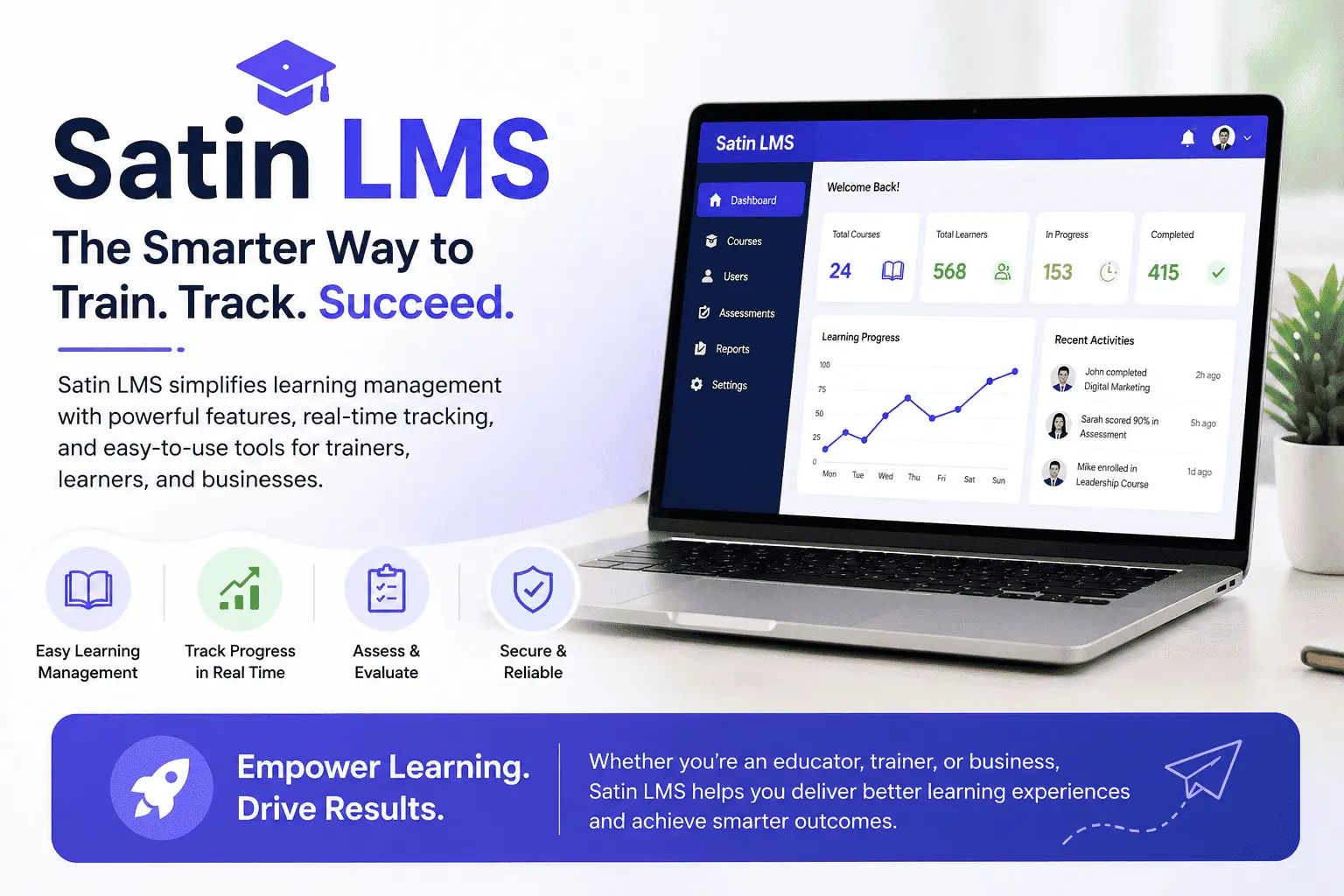
Satin LMS is a perfect platform to manage online learning or training. You get multiple features like course management, performance tracking, etc. With the help of this platform, you can easily assign tasks to people and keep track of their performance. Its user-friendly interface, mobile accessibility, and integration options make it a reliable choice for both educators and professional trainers.
For more Viravio.com

